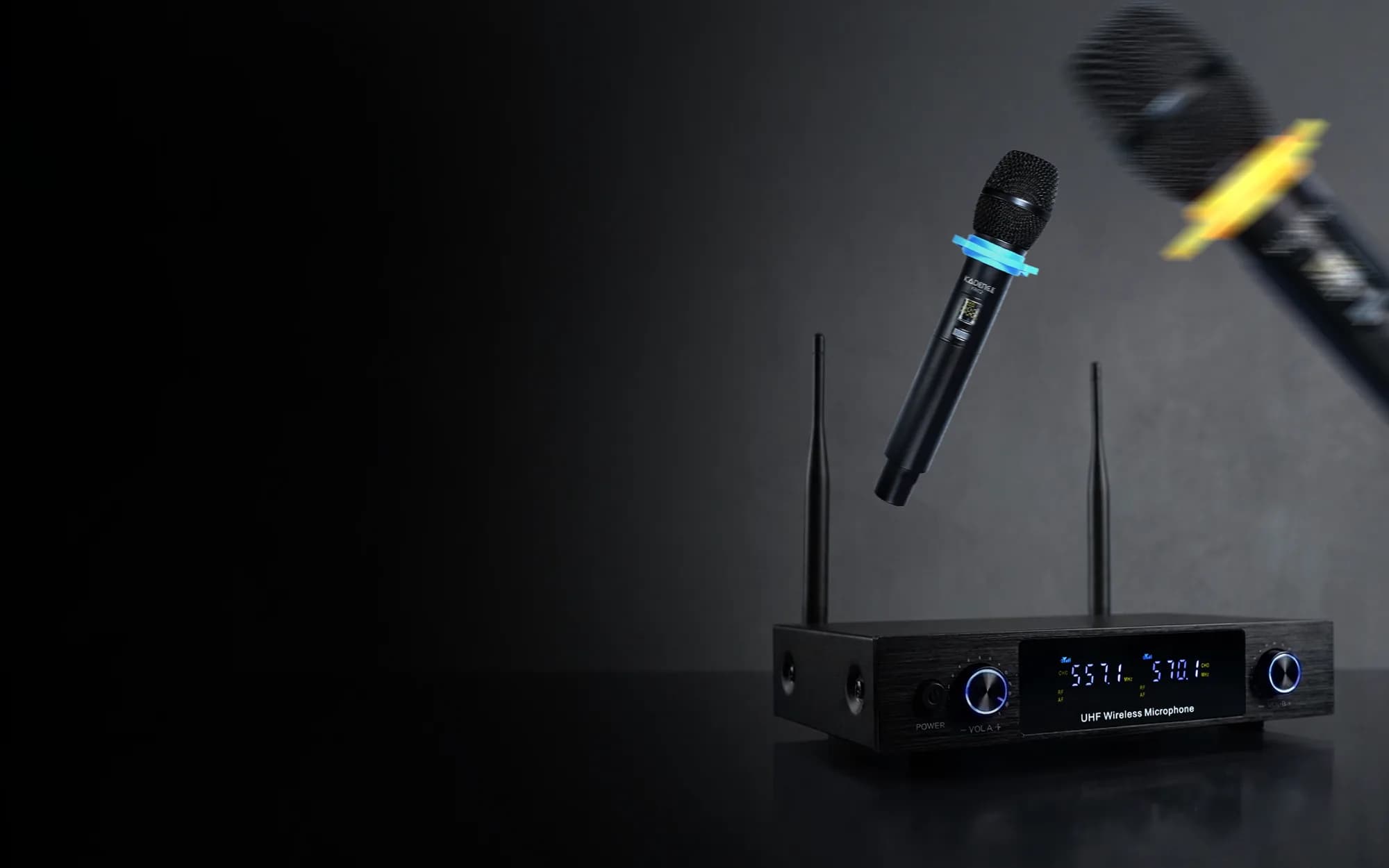

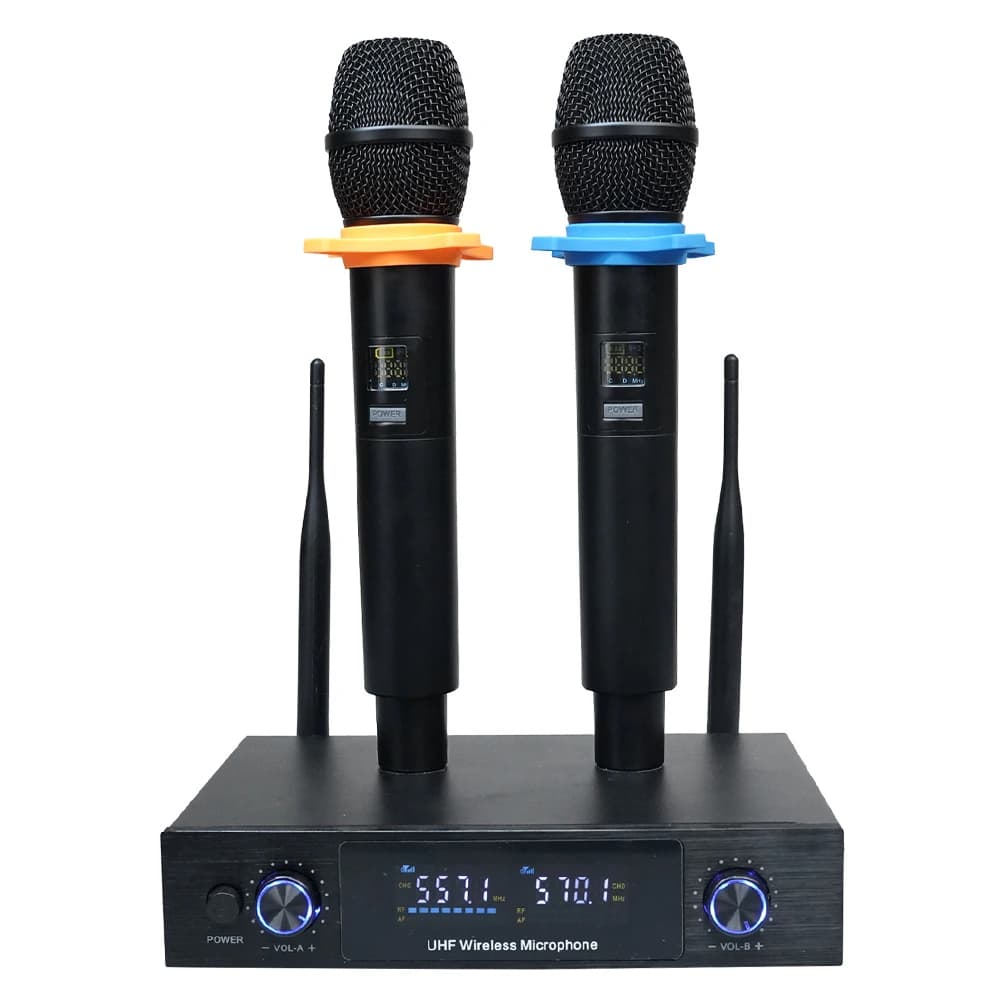
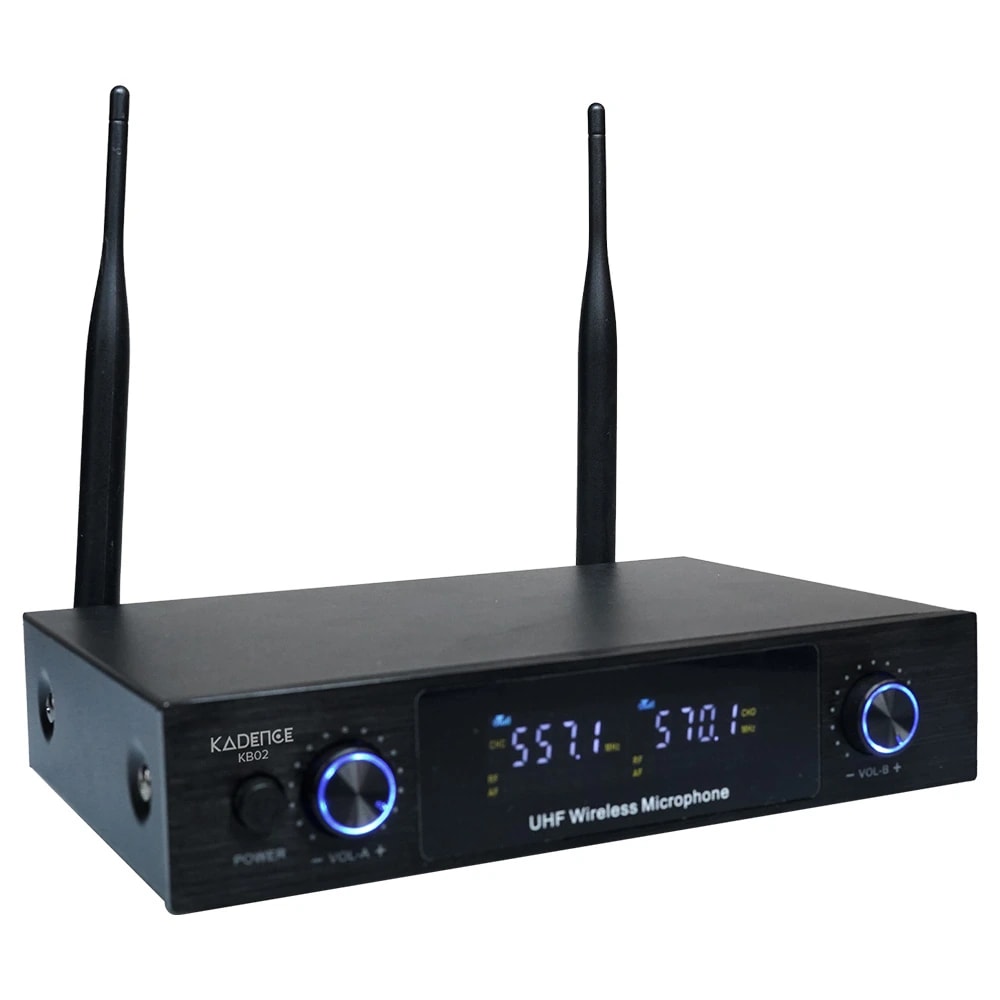
A wireless mic that worked fine at home and then stopped working during a function is usually not a faulty mic. In most cases something else in that hall was using the same signal channel, or the receiver box was kept somewhere it could not pick up properly, or the batteries were half dead. Two specs decide how often this happens to you: which signal band the system uses, and how many channels you can switch between when one gets disturbed. Cheap systems are weak on both, and some cannot switch channels at all. The Kadence KB02 at ₹3,926 runs on UHF, comes with two mics and one receiver, and gives you around 48 channels on each mic.
Quick answer: which one should you buy?
Wireless solves one thing, which is moving around freely.
 Our pick for functions
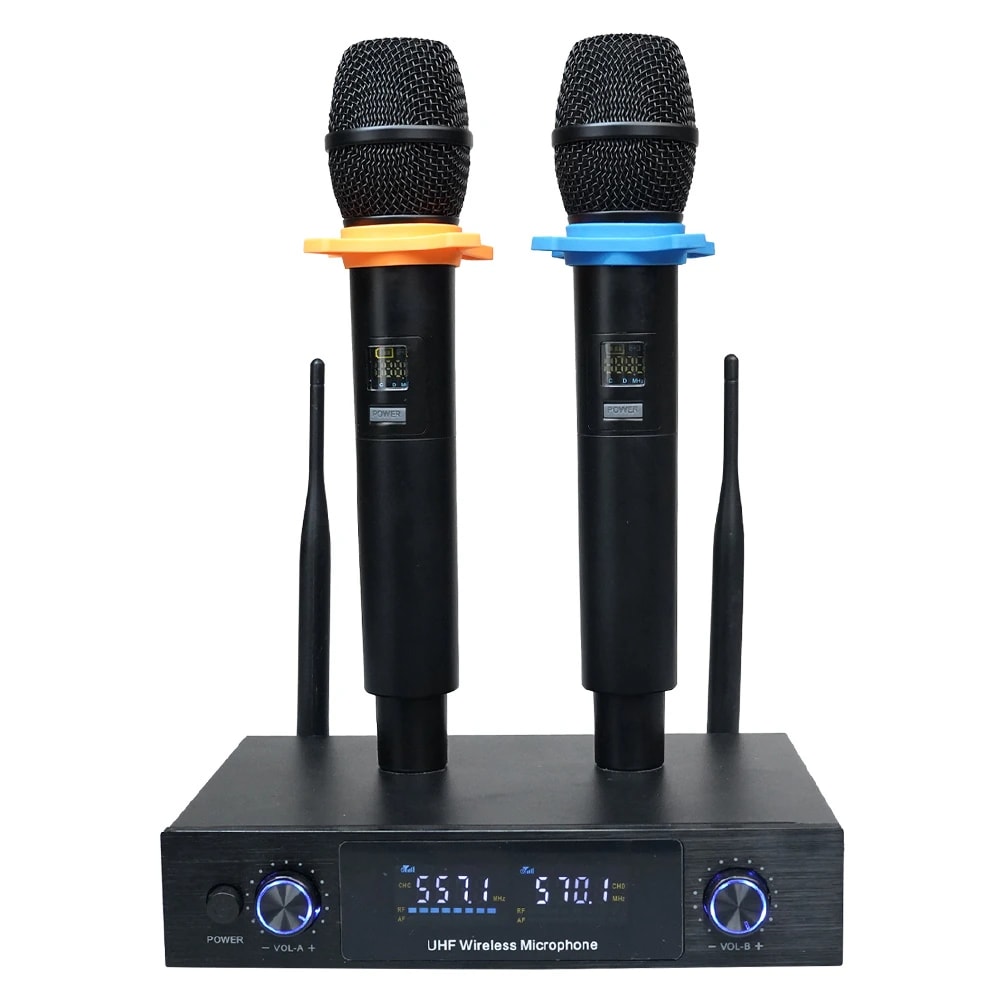
KB02
₹3,926
₹9,999Two people at the same time, moving around, functions. UHF, about 48 channels on each mic.
View KB02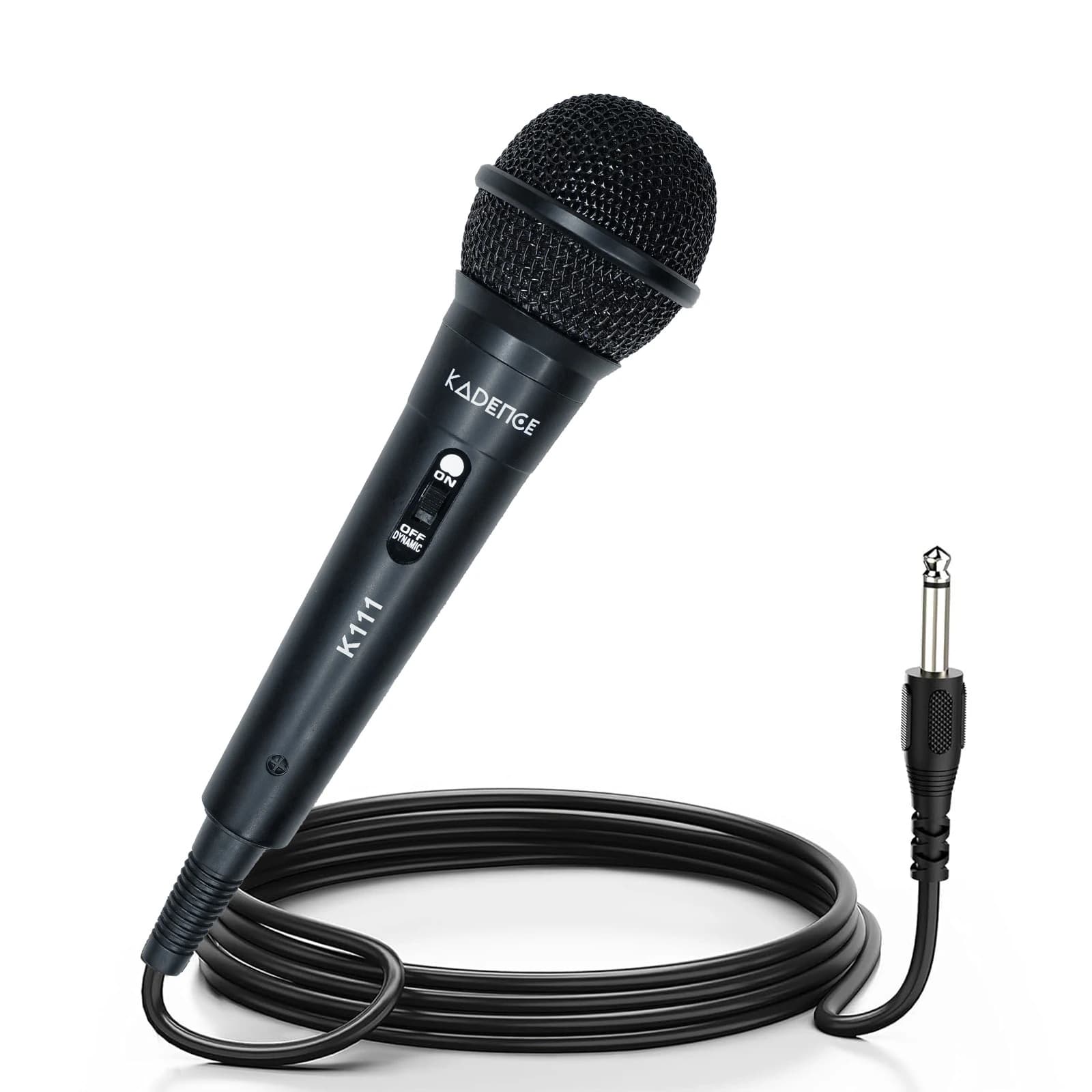 Wired, best first mic
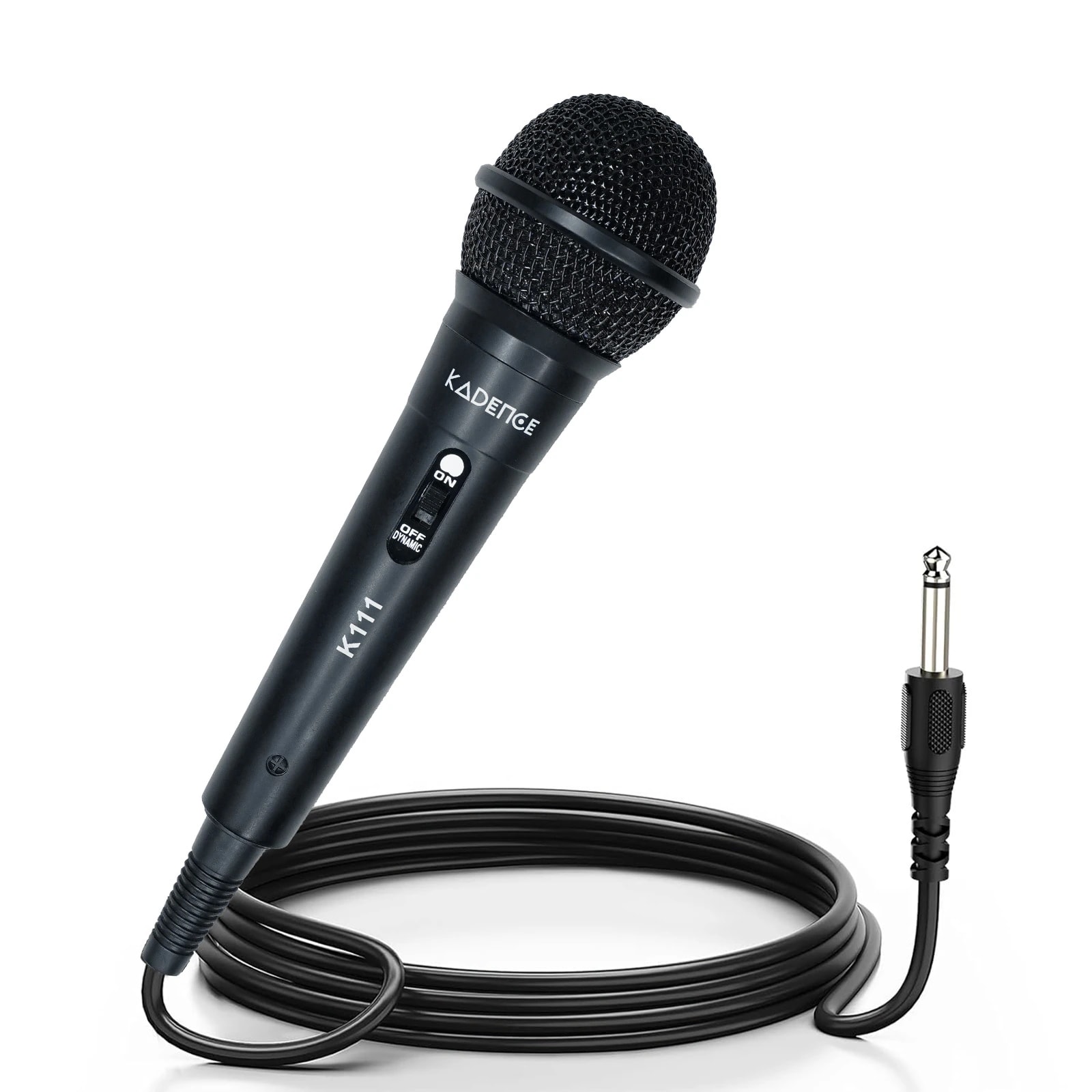
K111-V2
₹299
₹799Sold outGentle singing, practice, devotional songs and speeches. 85 dB of headroom.
View K111-V2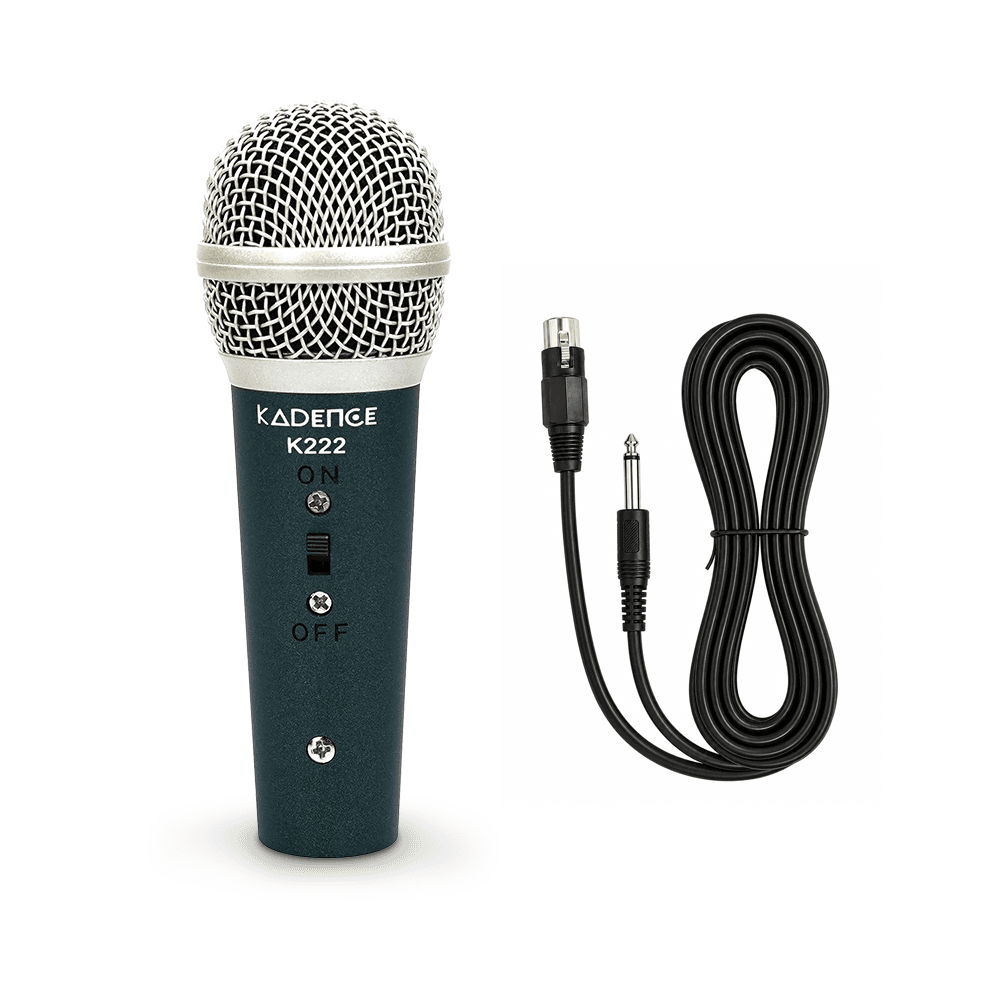 Wired, powerful voices
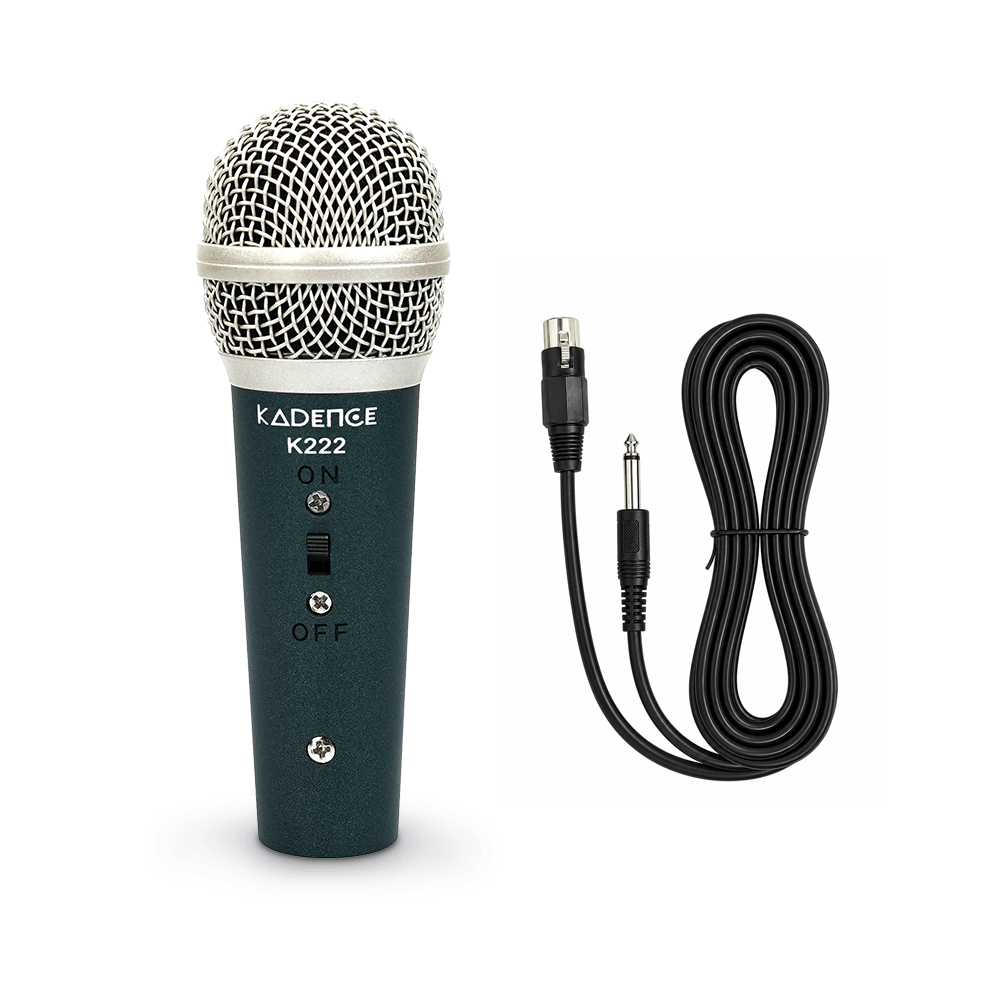
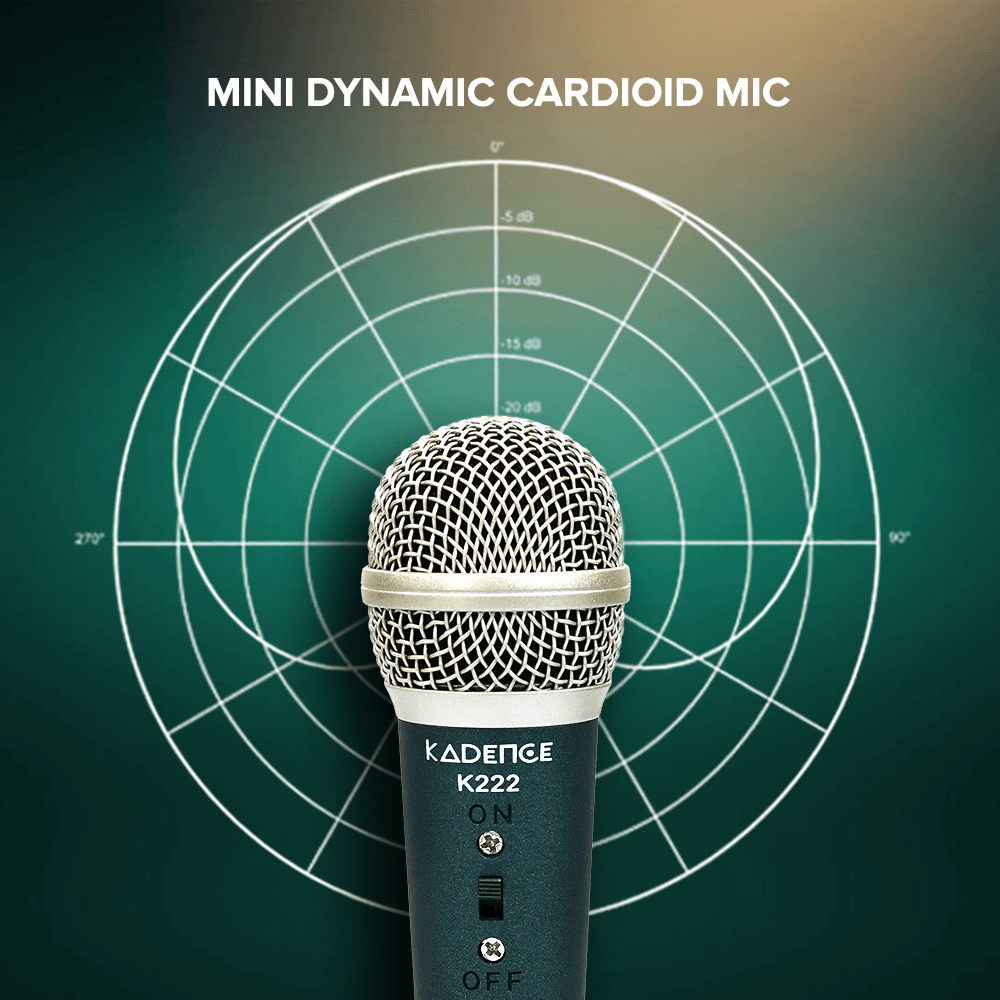
K222
₹599
₹1,499Powerful voices, karaoke, family functions, shared with kids. 100 dB of headroom.
View K222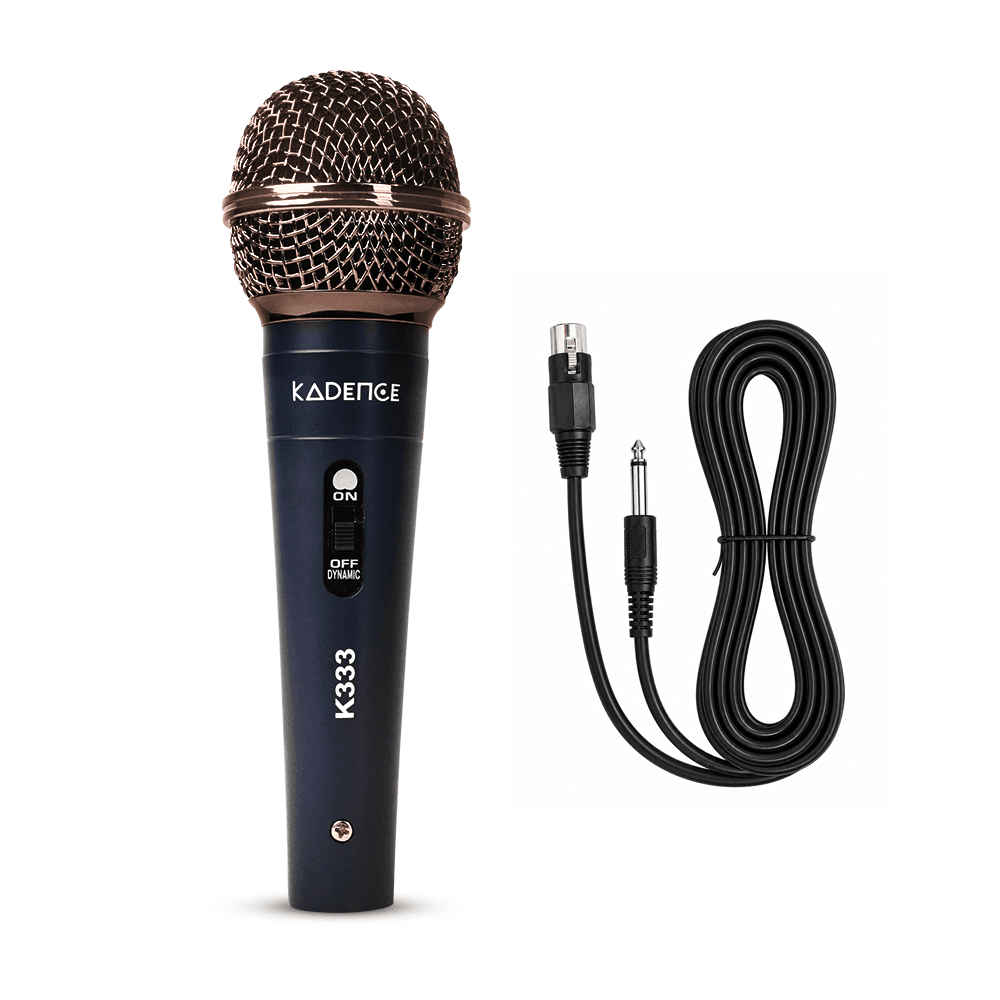 Wired, best for stage
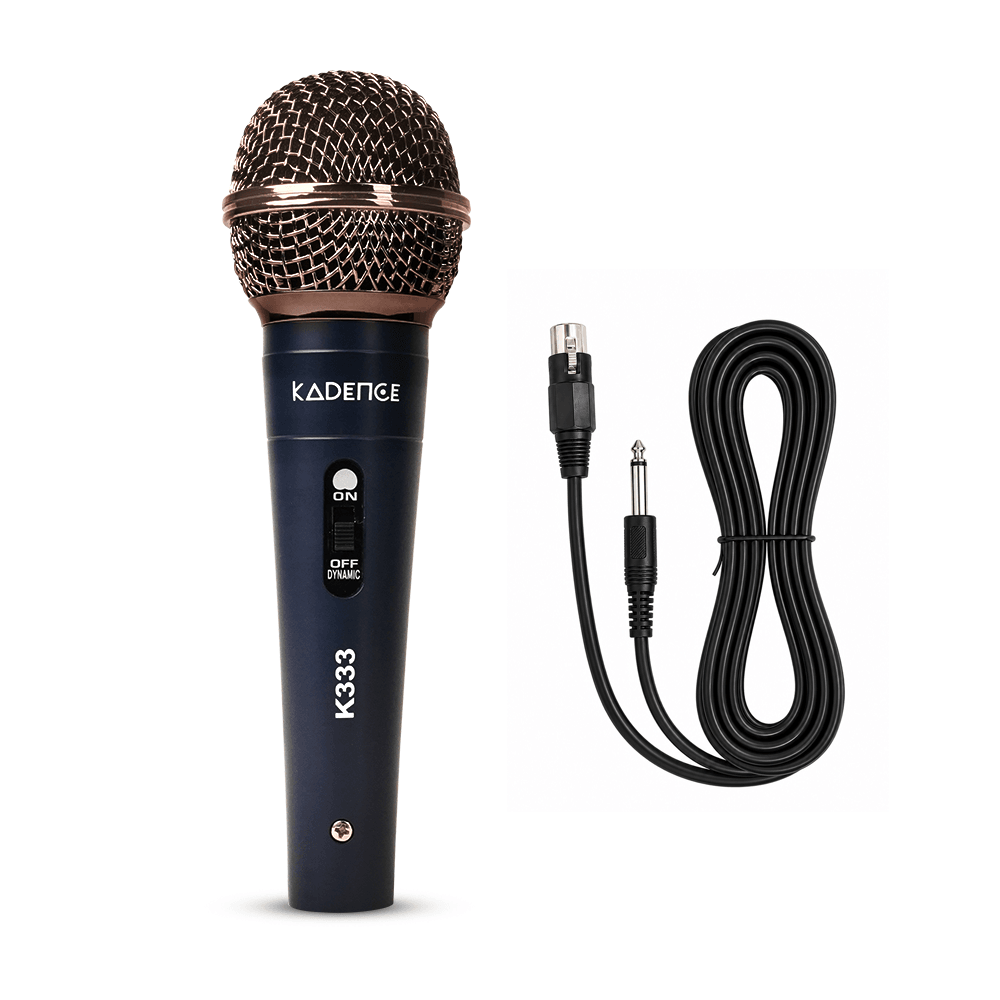
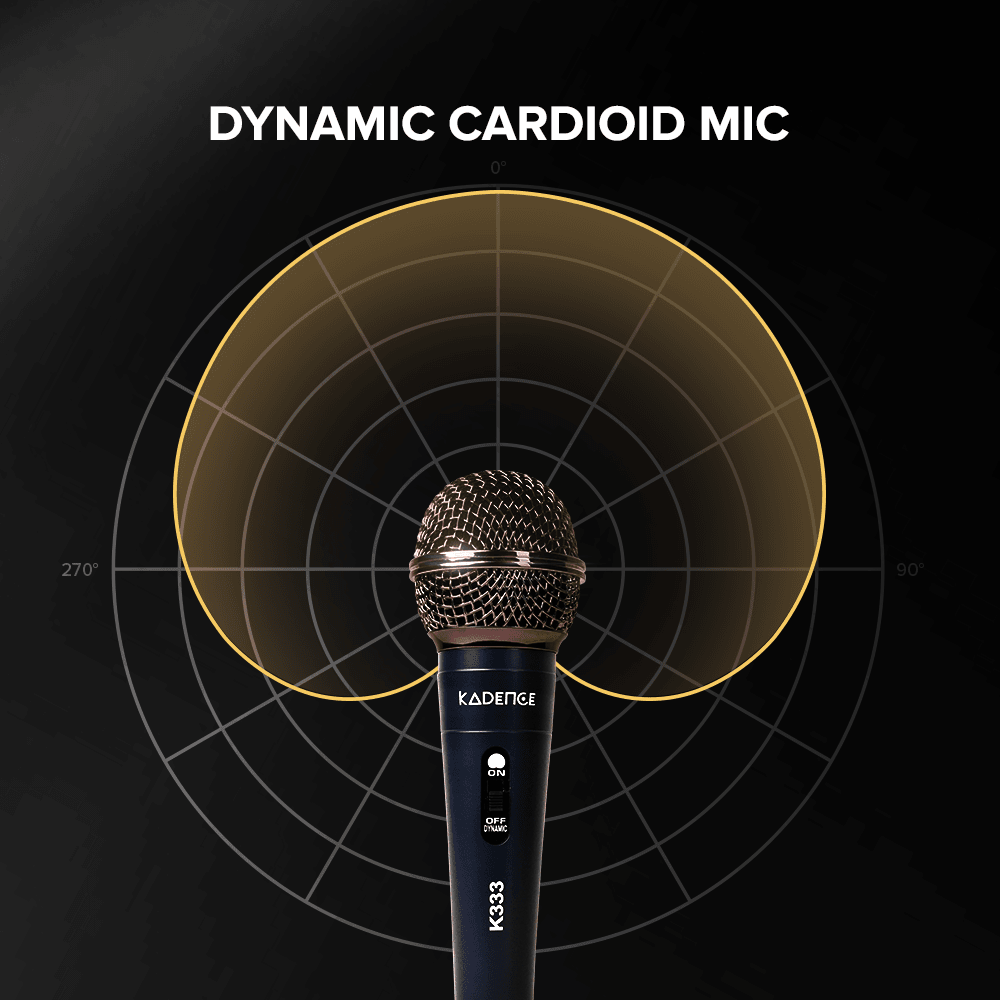
K333
₹820
₹1,499Performing, worship and reels. Shock isolation and a die-cast metal body.
View K333
Quick specs
| Kadence KB02 | |
|---|---|
| Price | ₹3,926 |
| MRP | ₹9,999 |
| Type | Dual channel UHF wireless system |
| What you get | 2 handheld mics + 1 receiver |
| Channels | About 48 per mic |
| Range | 30 to 50 metres with clear space in between |
| Frequency response | 20Hz to 18KHz |
| Max SPL | 106 dB |
| Pattern | Cardioid, dynamic |
| Receiver outputs | XLR and Phono |
| Mic power | 2 AA batteries each, included |
| Receiver power | DC adapter |
| Volume control | Separate for each mic |
| Series | Jamming |
Kadence KB02 is the one this guide recommends for most people.
1-year manufacturing defect warranty, 7-day replacement window.
Why is my wireless mic not working suddenly?
A wireless microphone works like a small radio station. The mic sends your voice through the air, and a small receiver box picks it up and passes it to your amplifier or speaker.
Anything that gets in the way of that signal causes a problem. Walls, pillars, a crowd of people standing between you and the receiver. And there is a second problem that is harder to see, which is other devices in the room using the same signal space.
This is why the same mic can work perfectly at home and then give trouble at a function. The mic did not become worse. The room around it is busier.
So when you are buying a wireless mic, the specs that matter are not the ones about sound. They are the ones about the signal.
What is UHF and why should you care?
Wireless mics use one of three signal types. Think of these as three different roads. Some roads have very little traffic. Some are packed.
2.4 GHz is the crowded one. Your Wi-Fi router uses it. So does Bluetooth, your wireless speaker, and even your microwave. At a function where fifty people have phones searching for Wi-Fi, a 2.4 GHz mic is sharing the road with all of them. That is when the sound starts breaking.
VHF is used in the cheapest systems. It has very few channels to choose from and it struggles in cities where a lot is going on around it.
UHF is the one used on proper stages, in conference halls, and by DJs. Less traffic on that road, better distance, and it handles walls better. That is why professionals use it.
The Kadence KB02 uses UHF.
Why do channels matter so much?
This is the part that most people never check, and it is the one that actually saves your function.
Many cheap wireless mics come with one fixed channel. It cannot be changed. Some sellers even list this as a convenience, because there is nothing to set up.
The problem shows up at the venue. If something else there is already using that same channel, your mic will not work properly in that hall. And because the channel cannot be changed, there is nothing you can do about it. You manage the rest of the function without it.
A mic with multiple channels lets you simply switch to another one and carry on.
The Kadence KB02 gives you about 48 channels on each mic, changed with a button near the battery slot. If one channel is disturbed, you move to the next.
This is the most useful thing about it, and it is what cheap wireless mics usually leave out.
What else should you check?
How many mics do you need?
One mic is fine for a single singer or one person speaking. But the moment there are two people, a duet, a host and a guest, two teachers, a bride and groom, one mic becomes a nuisance that gets passed back and forth.
The Kadence KB02 comes with two mics and one receiver. Both work at the same time on different channels. Each mic also has its own volume control on the receiver, so if one person sings loudly and the other speaks softly, you can set them separately instead of settling for something in between.
How far will you actually move?
Range is always measured with clear space in between and nothing blocking the path. Walls, pillars, and a crowd all reduce it.
The KB02 is rated for 30 to 50 metres, which covers a hall, a stage, a classroom, a marriage function, or a terrace event. Keep the receiver where it can "see" the person holding the mic. If you hide it behind a TV or a pillar, expect less range. Most range complaints come from where the receiver was kept, not from the mic.
What will it connect to?
The receiver has XLR and Phono outputs. Phono is the red and white pin type you see on most home audio equipment. Between the two, it connects to amplifiers, PA systems, mixers, and powered speakers. There is no pairing and no app. Plug the receiver in, switch on the mics, and it works.
What about batteries?
Each mic runs on 2 AA batteries, included in the box. The receiver runs on a DC adapter.
Worth knowing: weak batteries are one of the most common reasons a wireless mic starts giving trouble, and people usually blame the mic. A mic with dying batteries will still switch on and still work for a while before it becomes unreliable. Put fresh batteries in before an event rather than dealing with it halfway through.
Will it handle loud singing?
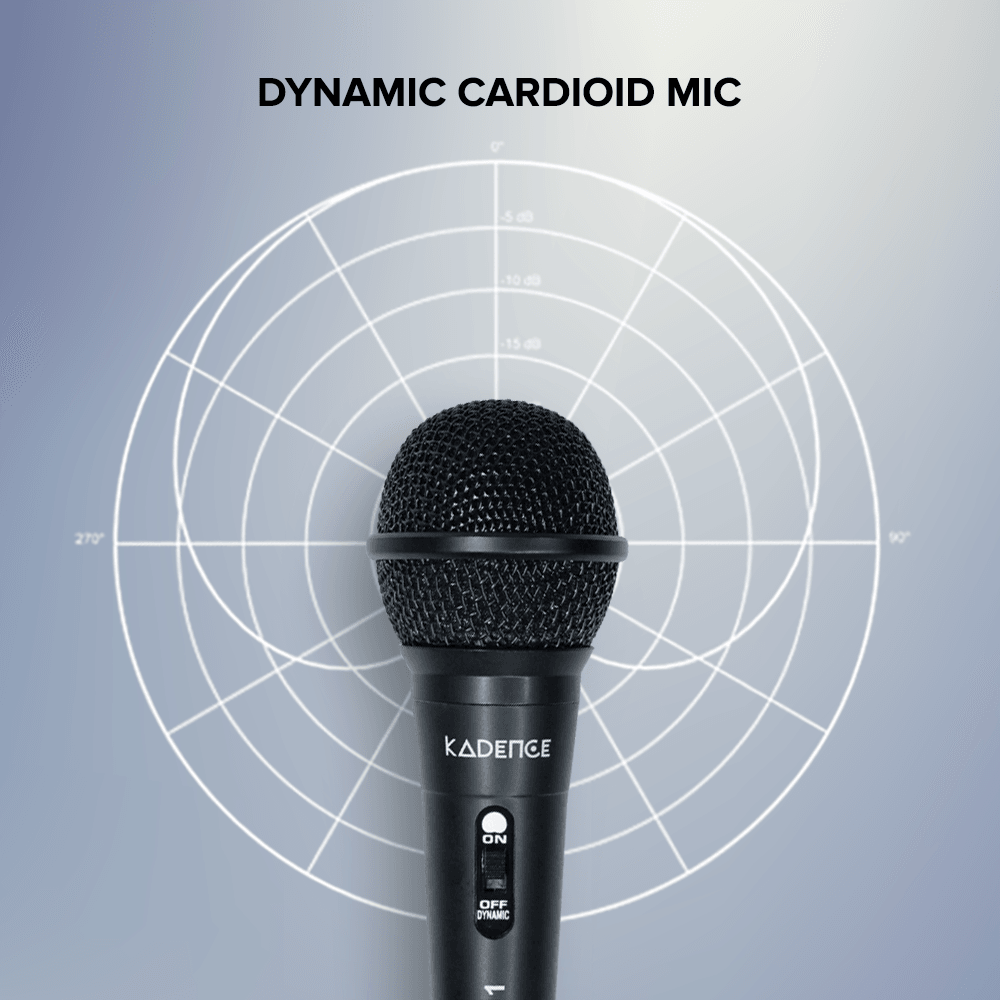
Yes. The KB02 handles up to 106 dB and covers 20Hz to 18KHz, the widest among Kadence dynamic vocal mics. It is a cardioid mic, which means it picks up mainly from the front and ignores most of what is at the sides and behind. That keeps other noise out and also reduces the chance of that screeching sound you get when a mic is too close to a speaker.
The one we would pick
Do you actually need wireless?
Honestly, not everyone does.
Wireless solves one thing, which is moving around freely. If you sing at home, teach from the front of a class, or speak from one spot, a wired mic costs less, needs no batteries, and has no signal to get disturbed. A cable simply does not have this problem.
Go wireless if:
- Two people need to speak or sing at the same time
- You move around while performing or presenting
- The audience is spread out and you need to walk among them
- Cables on the floor are a tripping risk or look bad on video
- You host functions often and want quick setup
If none of these apply, the Kadence K111-V2 at ₹299, K222 at ₹599, or K333 at ₹820 wired mics will do the job better for far less money. We would rather tell you that than sell you something you do not need.
What we would pick
Simple habits that prevent most problems
Keep the receiver out in the open. Where it can see the person holding the mic, and raised if possible. This alone solves most of these complaints.
Fresh batteries before the function. Not after they die.
Check your channel at the venue, not at home. Whatever is disturbing the signal is at the venue, so that is where you find a clear channel.
If one mic gives trouble and the other does not, the issue is that one mic, its batteries, or its channel. Test both from the same spot before deciding the system is faulty.
Keep the receiver away from the Wi-Fi router and away from a pile of phones.
Hold the mic close, two to four inches from the top. And keep the speaker in front of you, not behind you, so you do not get that screeching sound.
Common questions
Which wireless microphone is best for karaoke and functions in India?
The Kadence KB02 at ₹3,926 suits most home and small event needs. It is a UHF system with two handheld mics, so two people can sing or speak at the same time without passing one mic around.
What is the difference between UHF and 2.4 GHz or Bluetooth wireless mics?
UHF uses a less crowded signal band, so it gives better distance and more channels to choose from. 2.4 GHz shares its band with Wi-Fi, Bluetooth, and other home devices, which makes the sound break more often in a busy room. UHF is what stages and conference halls use.
How many microphones come with the Kadence KB02?
Two handheld wireless microphones and one receiver.
What is the range of the KB02 wireless mic?
About 30 to 50 metres with clear space in between. Walls, pillars, and crowds reduce it, so keep the receiver where it can see the person holding the mic.
Do the microphones need batteries?
Yes. Each mic uses 2 AA batteries, included in the box. The receiver runs on a DC adapter.
Can two people use the mics at the same time?
Yes. The two mics work on separate channels and each has its own volume control on the receiver.
Can I connect this wireless mic to my amplifier or speaker?
Yes. The KB02 receiver has XLR and Phono outputs and connects to amplifiers, PA systems, mixers, and powered speakers. No pairing or app needed.
Why does my wireless mic keep cutting out?
Usually one of four reasons: weak batteries, the receiver being hidden or blocked, something else in the room using the same channel, or standing too far away. Change the channel, move the receiver into the open, and put in fresh batteries before assuming the mic is faulty.
What is the difference between the Home, Jamming, and Touring series?
Home Series is for beginners, students, and hobbyists, built around simplicity and value. Jamming Series is for intermediate users who need more for rehearsals, content creation, and small live shows. Touring Series is for professionals who need stage-grade reliability. The KB02 is Jamming Series.
Quick Recap
Before you replace a wireless mic that keeps giving trouble, check the batteries, move the receiver into the open, and switch the channel. Most of the time the mic was never the problem.
#Letsmusic
See all microphones